

Free Fire (Malaysia/Singapore)17 Nov 2026
Fast delivery, Will buy again
A., verified purchase
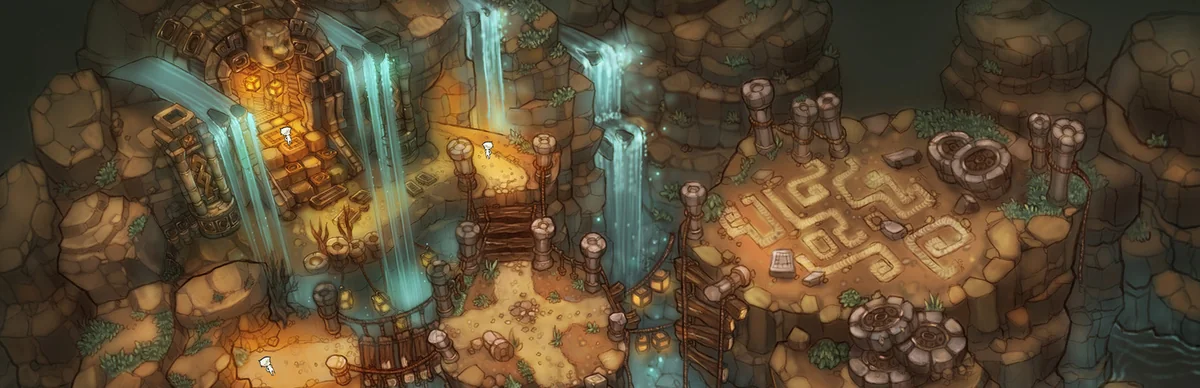
Tree of Savior TOS (KR) is Free-to-play MMORPG (fantasy, class-based) developed by IMC Games and published by Nexon Korea. Released in 2015. Available on PC.
For the Korean (KR) version, TP (Token Points) is purchased through the Nexon Korea publisher platform and credited to your Nexon/Tree of Savior account. Gift-card top-ups apply TP to the linked KR account after you provide your account details; TP is then spent in the in-game TP shop.
TP (Token Points) is the in-game currency used for Buying Tokens that grant bonus EXP and faster movement, Enabling one-on-one player trading and additional market listings, Reducing market sales tax, Purchasing cosmetics and convenience items from the TP shop. Top up via the gift cards below to convert MYR into the right store credit for your game.
Reviews from REDX buyers of other games
A., verified purchase
Sangat cepat dan pantas tak sampai 1 detik je dh masuk sangat recommend
U., verified purchase
Takes about 3 - 6 minutes
L., verified purchase
A., verified purchase
L., verified purchase
A., verified purchase
Tree of Savior TOS (KR) does not offer a direct Malaysian Ringgit top-up portal. The fastest and safest route is a region-appropriate gift card: buy it from REDX Game in MYR, redeem the code in your platform store, then use that balance to purchase TP (Token Points).
TNG eWallet, Boost, GrabPay, ShopeePay, DuitNow QR, Online Banking (FPX), and REDX Credit. Gift card codes are delivered instantly after payment.
Yes. The Korean version is published by Nexon Korea and is separate from the Global English version. TP and accounts are not shared across regions, so buy a top-up that matches the KR server.
The Korean version runs on a Nexon Korea account. TP and your characters are tied to that Nexon account rather than to Steam.
Pay with your REDX Credit funded via Touch 'n Go eWallet, Boost, GrabPay, DuitNow QR or FPX online banking, plus card payments on supported items.
You choose a TP denomination, provide your KR account details, and the Token Points are credited to your linked Nexon account, ready to use in the TP shop.
Log in to the Korean client/Nexon account and check the account/profile panel; your in-game name and account ID are shown there for matching the top-up.