

Free Fire (Malaysia/Singapore)17 Nov 2026
Fast delivery, Will buy again
A., verified purchase
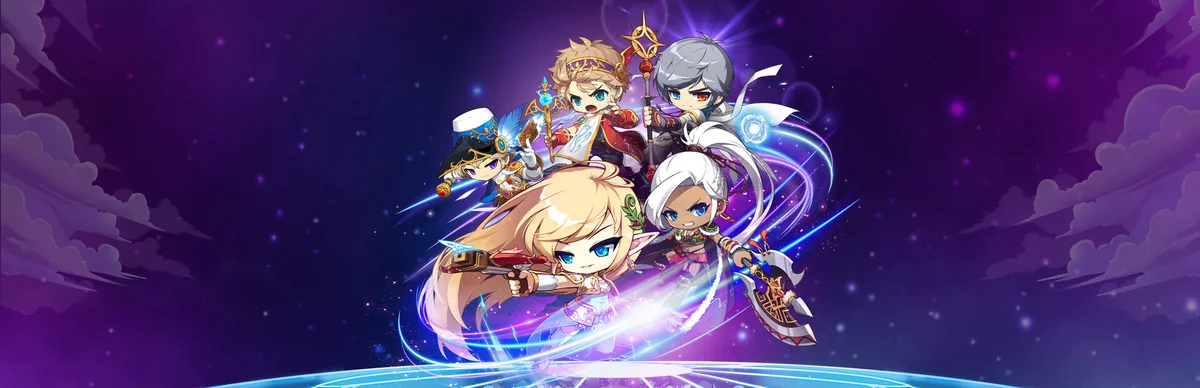
MapleStory is 2D side-scrolling MMORPG developed by Wizet (Nexon) and published by Nexon. Released in 2003. Available on PC (Windows), Steam.
MapleStory uses NX Cash (also called Nexon Cash) as its premium currency at a 1:1000 ratio to real money. Top up NX to your Nexon account, then spend it in the in-game Cash Shop. On the Steam client, the 'Charge' button lets you top up NX via Steam Wallet. NX gift card codes (e.g. Karma Koin) are redeemed on your Nexon account before appearing in-game.
NX Cash is the in-game currency used for Cash Shop cosmetics and skins, Pets and mounts, Inventory/storage expansions, Experience and drop boosters, Gachapon and special event items. Top up via the gift cards below to convert MYR into the right store credit for your game.
Reviews from REDX buyers of other games
A., verified purchase
Sangat cepat dan pantas tak sampai 1 detik je dh masuk sangat recommend
U., verified purchase
Takes about 3 - 6 minutes
L., verified purchase
A., verified purchase
L., verified purchase
A., verified purchase
MapleStory does not offer a direct Malaysian Ringgit top-up portal. The fastest and safest route is a region-appropriate gift card: buy it from REDX Game in MYR, redeem the code in your platform store, then use that balance to purchase NX Cash.
TNG eWallet, Boost, GrabPay, ShopeePay, DuitNow QR, Online Banking (FPX), and REDX Credit. Gift card codes are delivered instantly after payment.
Yes. MapleStory is free to download and play. The Global service is region-accessible from Malaysia, and you only pay for optional NX Cash purchases in the Cash Shop.
MapleStory on Steam shares progress with your Nexon account. Link them via the Nexon account settings so NX bought on either platform is usable in-game.
Nexon's direct checkout uses cards, PayPal and Xsolla. For Malaysian e-wallets like TNG eWallet, Boost, GrabPay or DuitNow, buy a MapleStory/NX top-up through a local reseller such as REDX Game and redeem the code on your Nexon account.
You purchase an NX or Nexon Cash code, then log in to your Nexon account, enter the code on the redeem/charge page, and the NX is credited instantly for use in the Cash Shop.
NX is tied to the regional service of your Nexon account (e.g. Global/MapleStorySEA). Make sure your top-up matches the server region you play on, as NX generally does not transfer between separate regional services.