








N.
6 Nov 2026Verified purchaseMobile Legends Brazil

GTA 5 Grand Theft Auto V (Steam) is Open-world action-adventure (with GTA Online multiplayer) developed by Rockstar North and published by Rockstar Games. Released in 2015. Available on PC (Windows), PlayStation 3, PlayStation 4, PlayStation 5, Xbox 360, Xbox One, Xbox Series X|S.
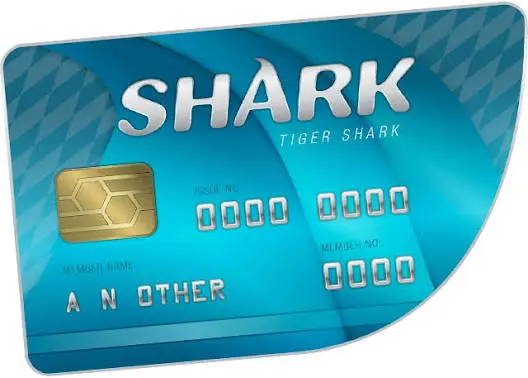
To buy GTA V or GTA Online Shark Cash Cards, top up the wallet of the store you play on, then buy it there: Steam Wallet (MYR) or Razer Gold for PC, the PlayStation Network Card for your PlayStation account's region on PS4 and PS5, or an Xbox Gift Card on Xbox. Each card works only on an account of its own region. The cards are listed below.
GTA$ (in-game dollars, sold via Shark Cash Cards) is the in-game currency used for Buying properties, businesses and apartments in GTA Online, Vehicles, weapons and customisation/upgrades, Heist setup costs and in-game services, Cosmetics and faster progression in GTA Online. Top up via the gift cards below to convert MYR into the right store credit for your game.
Reviews from REDX buyers of other games
GTA 5 Grand Theft Auto V (Steam) does not offer a direct Malaysian Ringgit top-up portal. The fastest and safest route is a region-appropriate gift card: buy it from REDX Game in MYR, redeem the code in your platform store, then use that balance to purchase GTA$ (in-game dollars, sold via Shark Cash Cards).
TNG eWallet, Boost, GrabPay, ShopeePay, DuitNow QR, MAE QR, Online Banking (FPX), and REDX Credit. Gift card codes are delivered instantly after payment.
Shark Cash Cards and base-game keys are usually tied to the Steam platform; confirm the key is valid for your Steam region (Malaysia) before redeeming. Shark Card GTA$ only credits a Steam-version GTA Online account.
Yes. GTA V on Steam requires linking a Rockstar Games / Social Club account; your GTA Online character and its GTA$ balance live on that account.
Yes. Pay in MYR using Touch 'n Go eWallet, Boost, GrabPay, DuitNow, FPX or your REDX Credit.
You receive a Steam product code. Activate it on Steam (Games > Activate a Product on Steam) while signed into the same account, then launch GTA Online; the GTA$ is automatically deposited into your character's in-game bank.
Shark Cards do not need a manual player ID - they bind to whichever Steam + Rockstar Social Club account redeems the code, so just activate it on the correct Steam account.